Vehicle
Roof Top Tent vs Ground Tent for Car Camping
Fast, off-the-ground comfort versus low cost and flexibility. Here's how roof top tents and ground tents really compare, and which suits your trips.
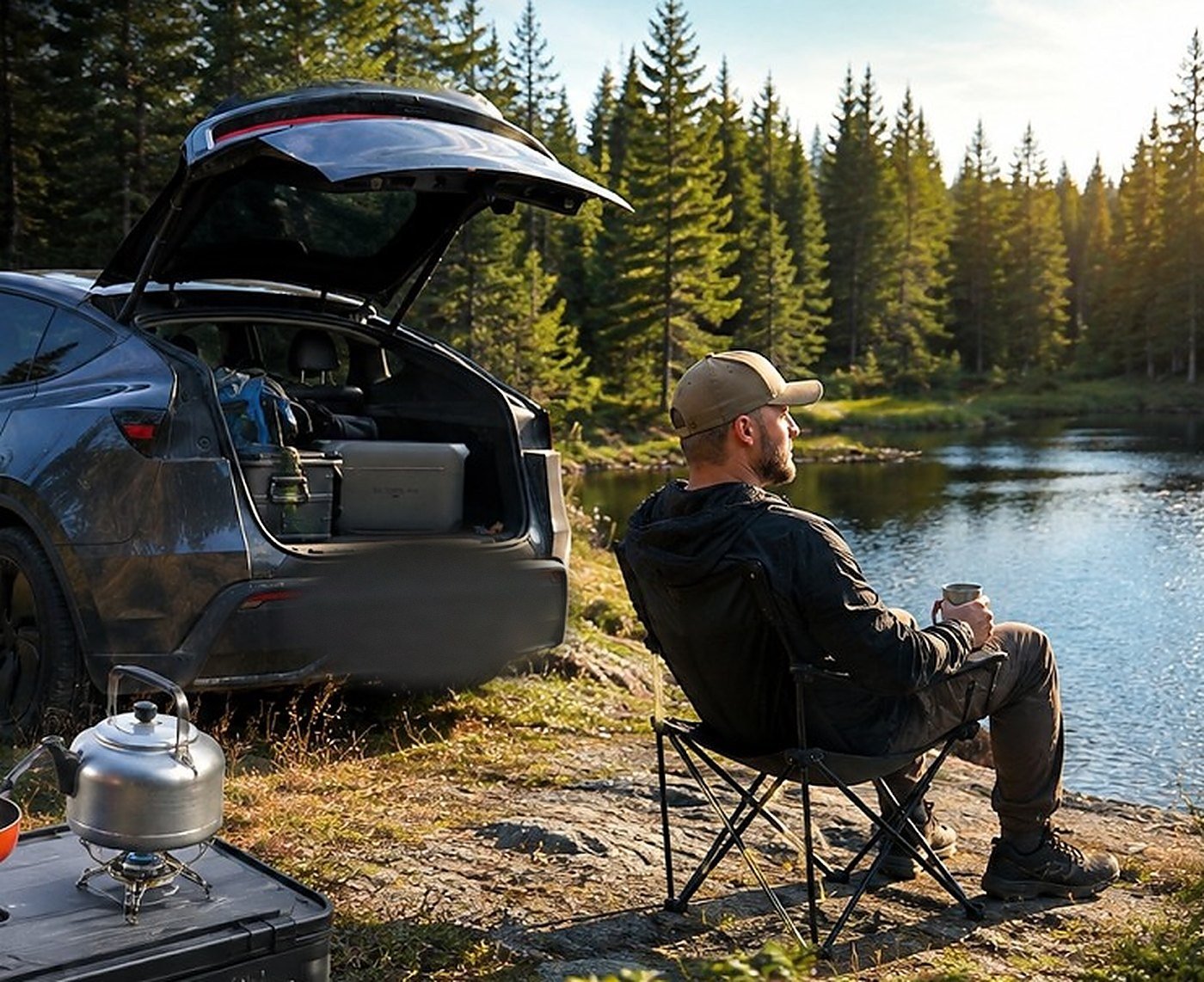
Camp Mode is how Tesla keeps HVAC and selected outlets alive overnight without leaving the car in a drive-ready state. Here is what it does, how to enable it, and how it fits a sleep setup.
Tesla Camp Mode is the software setting that lets you run cabin climate control while the car is parked for an overnight stay. Tesla's public docs state that Camp Mode maintains cabin temperature and powers USB and 12V outlets so you can charge devices through the night. It does not replace a sleep platform or privacy covers.
Sources:
We do not copy full release notes here. Check the manual for your car for the authoritative list.
When Camp Mode is active, Tesla says it:
Tesla's summer driving tips put that in plain language; the owner's manuals add that Sentry Mode and Walk-Away Door Lock are inactive while Camp is on. If you need to run a 12V fridge or charge devices, those outlets are the ones Tesla documents as powered in Camp Mode. Confirm the outlet layout for your year and market on the energy or climate screen after a short test.
The exact tap path is in your owner's manual because Tesla moves controls between software versions. In general, open Climate on the touchscreen and select Camp. You can also enable Camp from the Climate screen in the Tesla app. Lock the car as you normally would once the mode is running.
If you do not see the option, check that the car is in Park, that no conflicting mode is active, and that software is up to date for your region. Tesla's manuals commonly require enough battery charge before the mode will run.
Camp Mode consumes traction-battery energy whenever the HVAC runs. We do not publish a single percent-per-night figure on this page because Tesla does not give one fixed overnight drain number in the public docs linked above. Real use varies with ambient temperature and target cabin temperature.
Practical approach:
| Mode | Typical use | Notes |
|---|---|---|
| Camp Mode | People sleeping in the vehicle | Climate plus USB/12V power; see Tesla's summer driving tips |
| Dog Mode | Pet left briefly in a parked car | Displays a pet message; not a substitute for a human sleep setup |
| Keep Climate On / similar | Short stops | May time out or behave differently than Camp Mode; see your manual |
Use the mode Tesla documents for overnight occupancy. Do not leave a pet in Dog Mode for a human sleep session, and do not assume a convenience climate toggle matches Camp Mode limits.
Camp Mode handles temperature and cabin power. It does not fix:
For the full stack (sleep, power, kitchen, range), read our EV camping setup guide. New to car camping? Start with car camping for beginners. For storage boxes that share the floor with the mattress, see the irockbrook aluminium box code.
Even with climate running, two sleepers add moisture to cabin air. Crack opposing windows slightly when safe, or use mesh screens from our window-cover guide. Wipe glass if condensation appears, and air out bedding after damp nights.
Tesla's public support and owner's manuals say Camp Mode maintains cabin temperature while the vehicle is parked, and powers USB and 12V outlets so you can charge devices overnight. The touchscreen stays available for media. Sentry Mode and Walk-Away Door Lock are inactive while Camp is on.
Open the climate controls on the touchscreen and choose Camp (wording and placement vary slightly by software version and model). You can also enable Camp from the Climate screen in the Tesla app. The car must be in Park; Tesla's manuals also require enough battery charge (often stated as at least 20%).
Yes. Climate control uses energy from the traction battery. Tesla does not publish one fixed overnight drain percentage in the public docs we link below, so we do not publish a single drain figure either. Overnight use varies with outside temperature and your cabin setpoint. Watch the energy screen after a short test night before a long trip.
Dog Mode (Pet Mode in some materials) holds a safe cabin temperature for a pet and shows a message on the center display. Camp Mode is aimed at people staying in the vehicle overnight with climate plus USB and 12V power available. Tesla documents both modes separately; use the one that matches what you are doing.
You can, but you lose active climate control unless you use another allowed mode or accept passive ventilation. Many car campers use Camp Mode for temperature and condensation control, then rely on a mattress, window covers, and cracked vents for comfort. See our guides to Tesla mattresses and window covers.
Camp Mode does not level the rear seat or block light. You still want a vehicle-shaped mattress, window covers or mesh for privacy and airflow, and a legal overnight parking spot.
Fast, off-the-ground comfort versus low cost and flexibility. Here's how roof top tents and ground tents really compare, and which suits your trips.
Everything you need to start car camping confidently: from sleep setup and gear to where it's legal to park for the night.
Fast pitch claims, a mattress for two, and a soft-shell fold-out with a PVC cover aimed at washboard roads. Specs and owner reports on a roof top tent that earns its place on the rack.
Specs and prices are checked against manufacturer pages. See our editorial policy for how we research gear.
Research-led reviews, verified deals and practical Camp Mode guidance. Owned Havnby, NovaPads and Snuuzu Tesla gear. See our editorial policy for standards.